
Built for the viewer,
not the interface.
Glucose strips away the clutter of traditional media players, leaving you with a fast, private, and beautiful way to watch and listen.
Control everything without lifting your hands.
Every action is mapped to a sensible shortcut. Seek in 5-second jumps, jump to 80% of a video with a single tap, or toggle PiP instantly.
View all shortcuts
Subtitles that keep up with you.
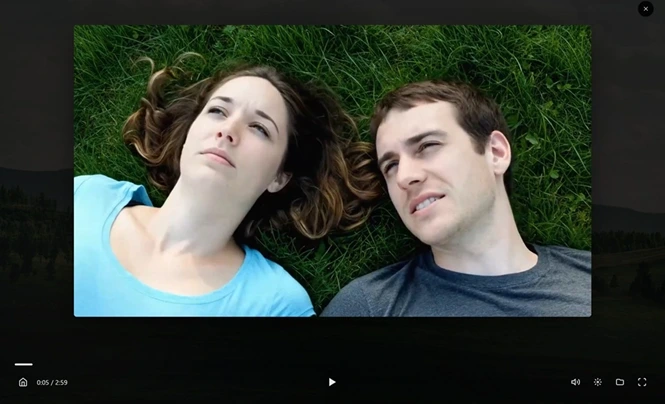
Press play and subtitles start appearing within moments, made on your own PC with Whisper as the video runs. Glucose stays a few minutes ahead of you, and the seek bar shows how far it's ready. Skip ahead and it follows. Watch the same video again and the subtitles are already there.
Nothing uploaded
Runs on your PC
Starts by itself
When a video has none
Pause until ready
If you get ahead
Prefer the whole video at once? Full-video generation formats subtitles to Netflix-style timing and line length.
In the language you actually want.
Translate live subtitles between English and German, French, Spanish, Italian, Dutch, Russian or Turkish, on your PC, as you watch. Learning a language? Keep the original line right below the translation.
About 20 MB per language
One download, then offline
Show original subtitles too
Both lines, one glance
- English
- German
- French
- Spanish
- Italian
- Dutch
- Russian
- Turkish
Never over a face.
With Placement set to Smart, subtitles move to the top when the bottom of the picture has on-screen text, a face or a bright area, and come back down when it's clear. Fixed keeps them exactly where you put them.
Knows what your PC can do.
The Features tab checks your processor, memory and graphics and runs a short speed test, then tells you which features will run well on your PC. See how smoothly it will run before you choose, so nothing promises more than your machine can deliver.
Features on this PC
ExampleProcessor
Ryzen 7 7840HS
Threads
16
Memory
32 GB
Graphics
Radeon 780M
- Works well
Live subtitles
Speech recognition runs 3.4x faster than playback, enough to stay ahead.
- Works well
Live translation
Translating adds only a fraction of a second per minute of video.
- Works well
Smart subtitle position
Checking a frame for faces takes 18 ms, too short to notice.
Picks up where you left off.
Glucose saves your position in every file. Come back later and it starts from exactly where you stopped.
Auto-Save
Saves progress instantly

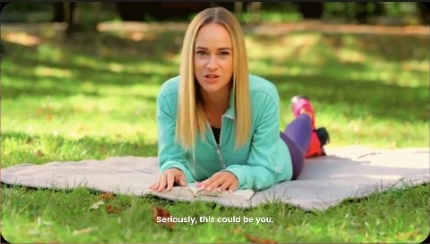
Try dragging and resizing the video window
Picture-in-Picture.
Pop out your video instantly.
Whether you're coding, browsing, or working, keep your media in sight. Glucose's PIP mode is fast, fluid, and supports all window layouts.
Always on Top
Focus on what matters
Draggable & Resizable
Move it anywhere. Corner-to-corner control.
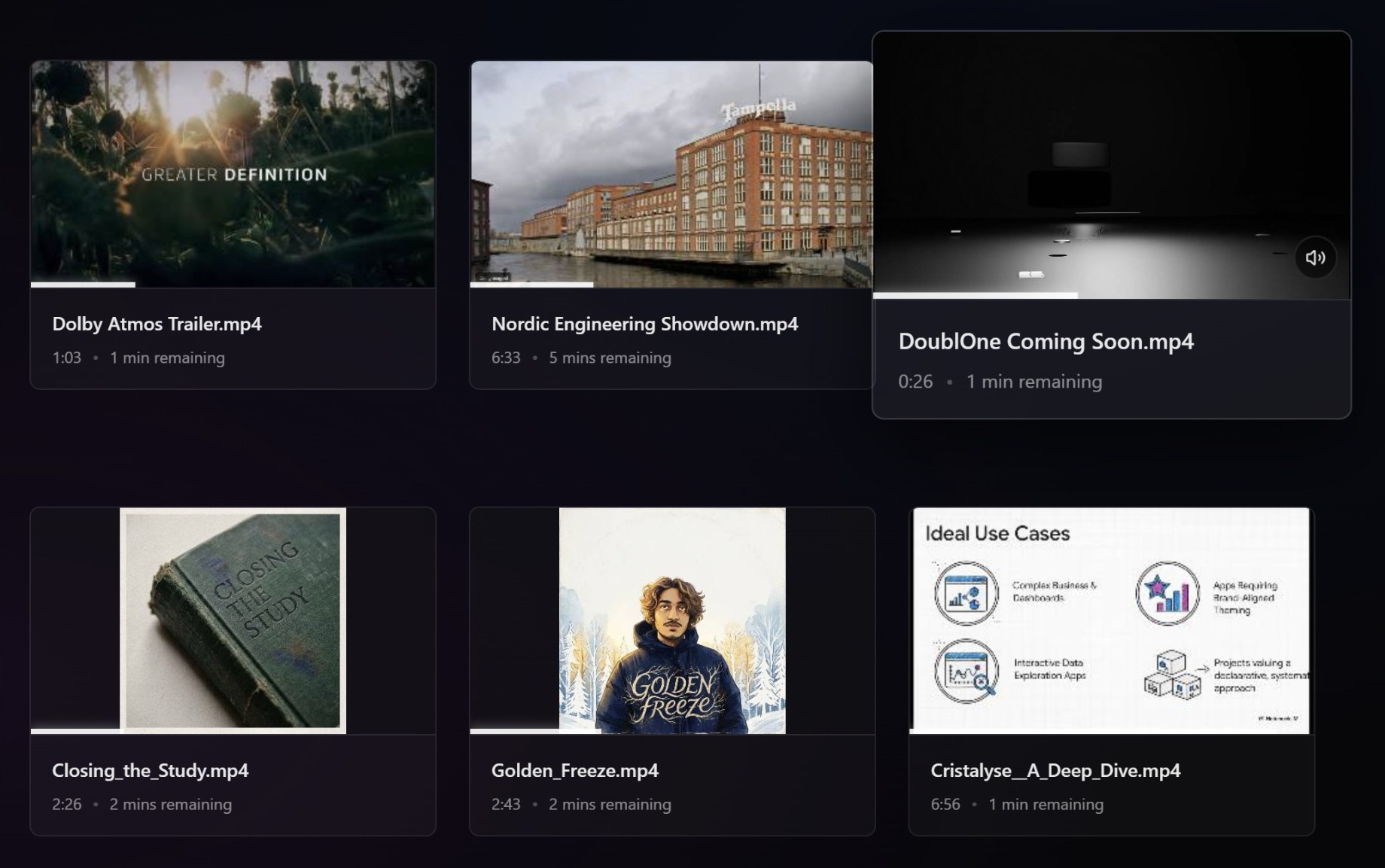
Your local media library.
When you open Glucose, your recent videos and audio are already there. Scanned from your Videos folder, Downloads, and Desktop.
Hover over anything to preview a clip before you open it. Each file shows exactly how far through you got, so you can jump right back in.
Not just for video.
Pure audio bliss.
Whether it's a high-fidelity FLAC or a quick MP3 voice note, Glucose handles your audio with a beautiful real-time visualizer that dances to your music.
Hover over the visualizer to see it in action.
Lossless Support
FLAC, WAV, ALAC and more.
Minimal Player
Focus only on the sound.
Hear every detail.
Twice as loud.
Stop struggling with quiet laptop speakers or low-volume recordings. Glucose lets you boost audio up to 200% with zero distortion, ensuring you never miss a word of dialogue.
Arrow Up
Instantly boost past the limit
Controls that know when to hide.
No distracting buttons or persistent bars. Glucose's interface is invisible until you need it. Scrub the timeline to see high-resolution frame previews instantly.
Smart Hide
Controls vanish when you stop moving.
The finishing touches.
Every detail refined for the ultimate viewing experience.
Lightning Fast.
Launches in milliseconds. No bloat, no waiting. Just instant performance.
Privacy First.
No accounts, no analytics. Everything happens locally on your device.
Clean & Lightweight.
A 9.5 MB installer with zero background processes.
Ready to experience Glucose?
Join the community of viewers who value speed, privacy, and minimalism. Pay what you want, open source forever.